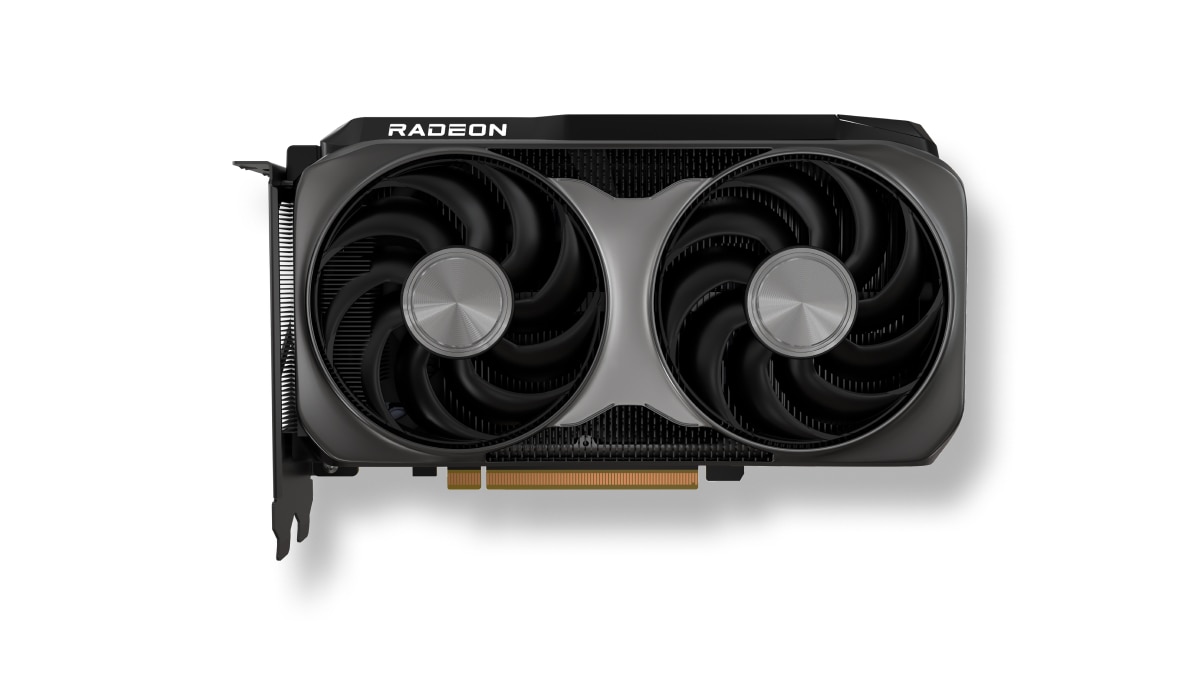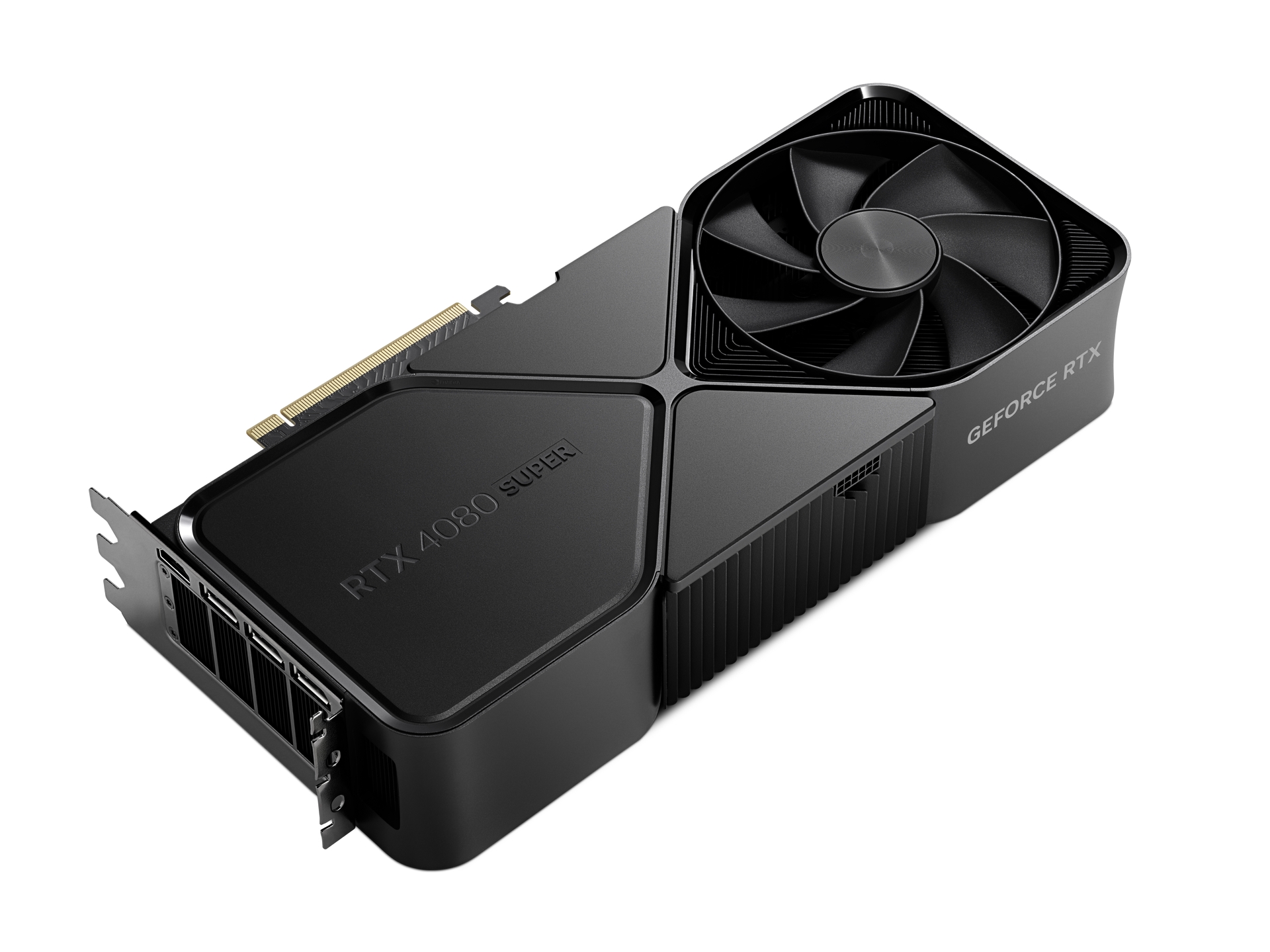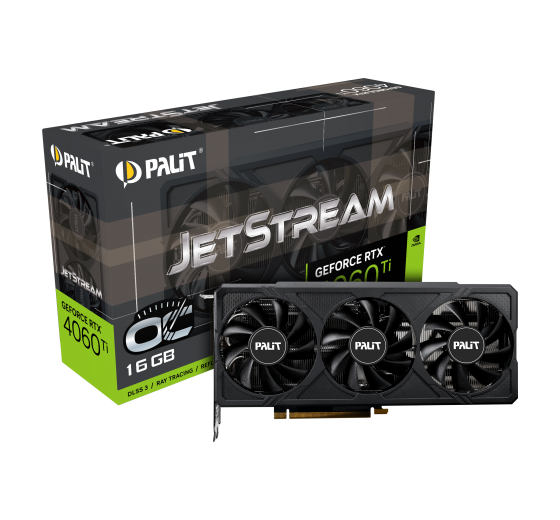

什么是最好的选择 NVIDIA GeForce GTX 1660 Ti 或 NVIDIA GeForce RTX 3090 Ti? 哪种显卡速度更快?
Compare the available specifications of these models.
NVIDIA GeForce GTX 1660 Ti has a base frequency of 1.5 GHz. 内存大小 6 GB. 存储器类型 GDDR6. 发布于 Q3/2019.
NVIDIA GeForce RTX 3090 Ti has a base frequency of 1.56 GHz. 内存大小 24 GB. 存储器类型 GDDR6X. 发布于 Q1/2022.
需要考虑的原因
需要考虑的原因 更高的时钟速度
左右 4% 更好的时钟速度
 1.5 GHz
更多内存
300更多内存百分比
6 GB
共同立场 NVIDIA GeForce RTX 3090 Ti 在流行的基准测试中的GPU,用于与其他模型进行比较.
NVIDIA GeForce GTX 1660 Ti
显卡的基本技术数据比较 NVIDIA GeForce GTX 1660 Ti 和 NVIDIA GeForce RTX 3090 Ti, 芯片,信息处理单元.
 Ampere
10752
-
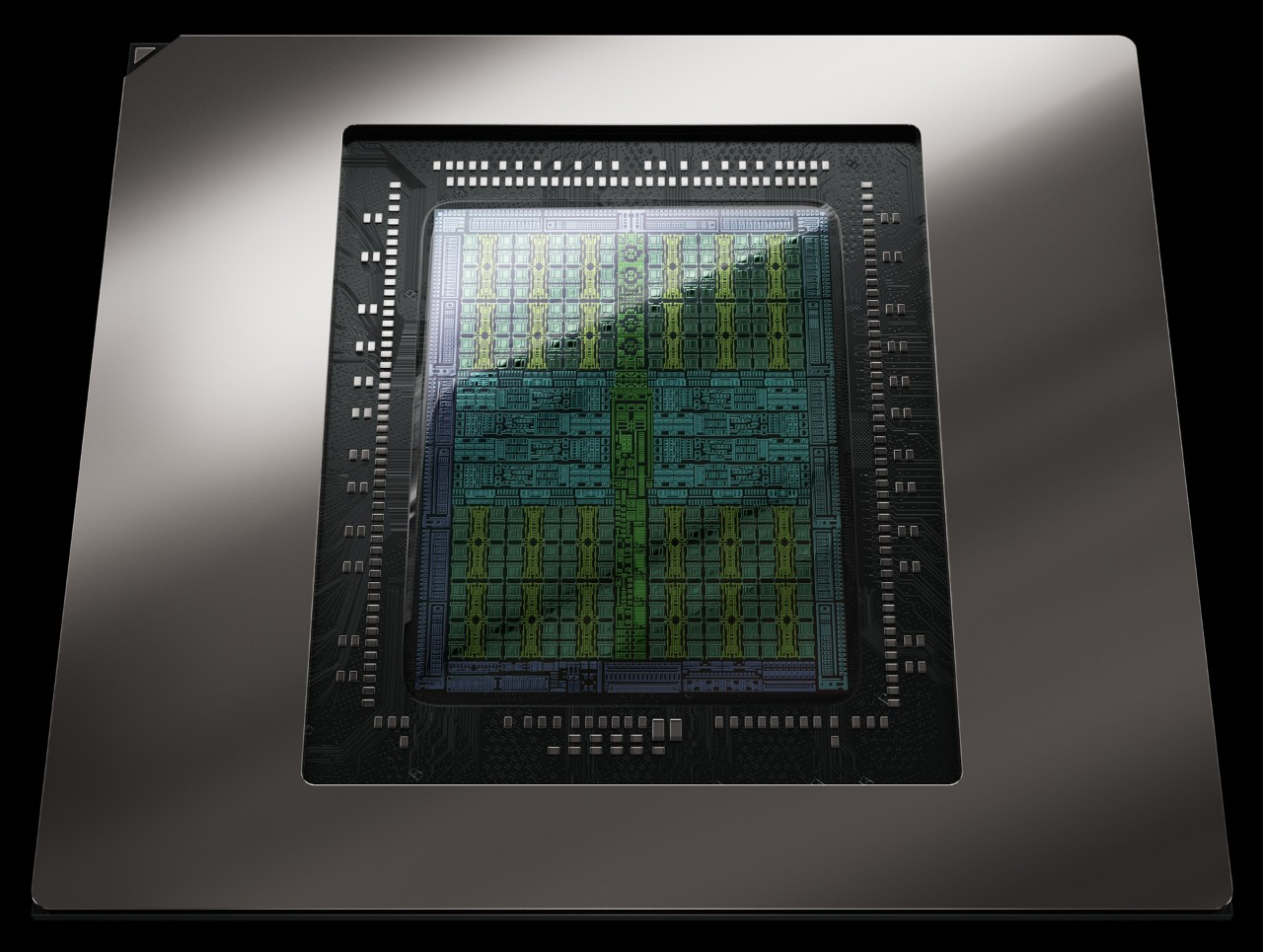
GA102-350-A1
128 KB
6 MB
112
336
GA102
10752
Ampere
10752
-
GA102-350-A1
128 KB
6 MB
112
336
GA102
10752
Video memory capacity, type, bus width and bandwidth describe different properties. These values alone do not determine graphics performance.
1,008 GB/s
384 bit
-
-
24 GB
GDDR6X
1300 MHz
Published GPU clock frequencies describe different operating modes. Clock speed alone does not determine graphics performance.
1560 MHz
1860 MHz
没有
Graphics card power limits and recommended system power supply describe different specifications.
450 W
92 °C
850 W (System power requirement)
450 W
连通性和连接.
3 × DisplayPort 1.4a
-
1 × HDMI 2.1
4
HDMI
PCIe 4.0 x16
3x PCIe 8-pin cables (adapter in box) OR 450W or greater PCIe Gen 5 cable
2.3
在电脑游戏中被充分使用的技术数据.
-
12_2
7680 × 4320
3.0
4.6
6.6
1.3
所比较的设备在尺寸、重量和插槽上的差异
-
-
-
-
GPU的接口和发布日期的比较 NVIDIA GeForce RTX 3090 Ti 和 NVIDIA GeForce GTX 1660 Ti.
NVIDIA Founders Edition/reference design. Clock specifications apply to gaming use. AIB shipping specifications and complete-system power needs may differ.
-
8 nm
-
40 TFLOPS
40 TFLOPS
0.625 TFLOPS
208.3 GPixel/s
625.0 GTexel/s
Shared tests with results for both models: 14
Each row uses one Blender version, operating system and compute backend.
| Test and settings | NVIDIA GeForce GTX 1660 Ti | NVIDIA GeForce RTX 3090 Ti | Result difference¹ |
|---|---|---|---|
| Blender 5.2.0 / OPTIX / Windows | 683.894754 samples/min Submissions: 24 | 5250.819731 samples/min Submissions: 11 | +667.8 % |
| Blender 5.1.1 / OPTIX / Linux | 740.029214 samples/min Submissions: 8 | 5601.471369 samples/min Submissions: 7 | +656.9 % |
| Blender 5.1.1 / OPTIX / Windows | 686.620607 samples/min Submissions: 18 | 5459.157697 samples/min Submissions: 5 | +695.1 % |
| Blender 4.5.0 / OPTIX / Linux | 786.110434 samples/min Submissions: 8 | 5309.43807 samples/min Submissions: 24 | +575.4 % |
| Blender 4.5.0 / OPTIX / Windows | 741.389241 samples/min Submissions: 54 | 5585.151795 samples/min Submissions: 115 | +653.3 % |
| Blender 4.4.0 / OPTIX / Linux | 768.158139 samples/min Submissions: 12 | 4979.851473 samples/min Submissions: 8 | +548.3 % |
| Blender 4.4.0 / OPTIX / Windows | 743.205149 samples/min Submissions: 26 | 5700.575741 samples/min Submissions: 51 | +667.0 % |
| Blender 4.3.0 / OPTIX / Windows | 755.765834 samples/min Submissions: 19 | 5490.159484 samples/min Submissions: 35 | +626.4 % |
| Blender 4.2.0 / OPTIX / Linux | 759.319183 samples/min Submissions: 9 | 5972.585335 samples/min Submissions: 15 | +686.6 % |
| Blender 4.2.0 / OPTIX / Windows | 740.194812 samples/min Submissions: 45 | 5673.136912 samples/min Submissions: 51 | +666.4 % |
| Blender 4.1.0 / OPTIX / Linux | 802.562755 samples/min Submissions: 5 | 6034.022292 samples/min Submissions: 7 | +651.8 % |
| Blender 4.1.0 / OPTIX / Windows | 788.558198 samples/min Submissions: 19 | 5769.869986 samples/min Submissions: 32 | +631.7 % |
| Test and settings | NVIDIA GeForce GTX 1660 Ti | NVIDIA GeForce RTX 3090 Ti | Result difference¹ |
|---|---|---|---|
| Blender 4.0.0 / OPTIX / Linux | 803.98389 samples/min Submissions: 6 | 6168.026652 samples/min Submissions: 16 | +667.2 % |
| Blender 4.0.0 / OPTIX / Windows | 776.75797 samples/min Submissions: 72 | 5124.064923 samples/min Submissions: 111 | +559.7 % |
¹ Difference of the second result relative to the first in that row. No percentage is calculated for different upscaling algorithms. This compares published results, not a universal performance index.
These results have no shared test of both models with the same version and settings. They are shown separately without a percentage difference.


 English
 Russian
 German
 Portuguese
 Italian
 French
 Japan
Japan Spanish
 Polish
 Korean