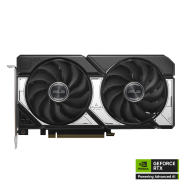
共同立场 ASUS Dual GeForce RTX 5060 Ti 16GB OC Edition 在流行的基准测试中的GPU,用于与其他模型进行比较.
No dataBoard specifications and benchmark results are specific to each version.
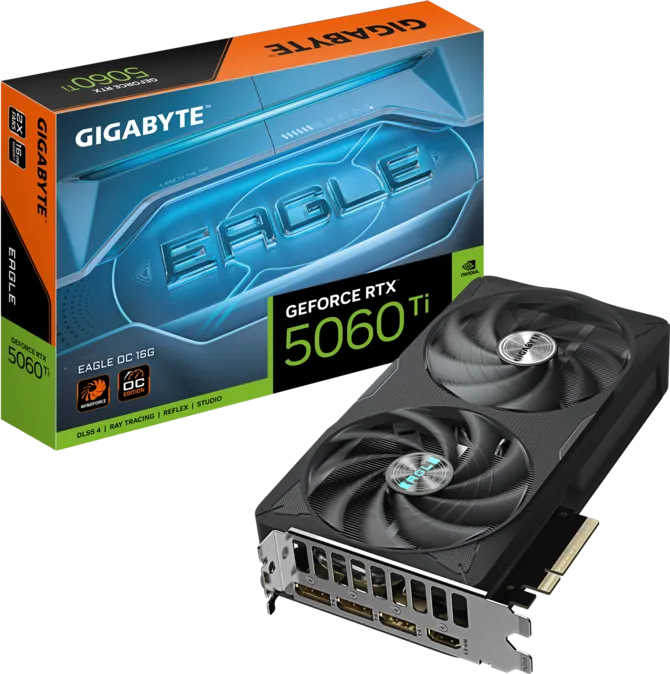 GIGABYTE GeForce RTX 5060 Ti EAGLE OC 16G
Gigabyte · 16 GB
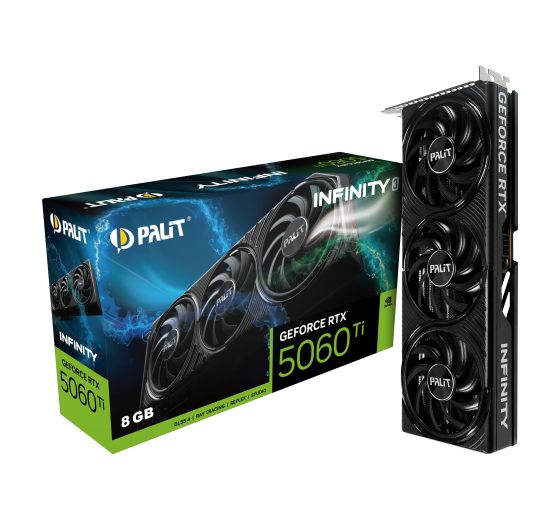
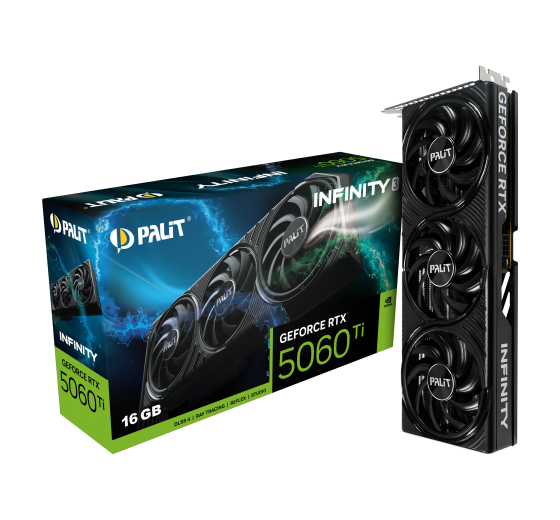 Palit GeForce RTX 5060 Ti Infinity 3 16GB
Palit · 16 GB
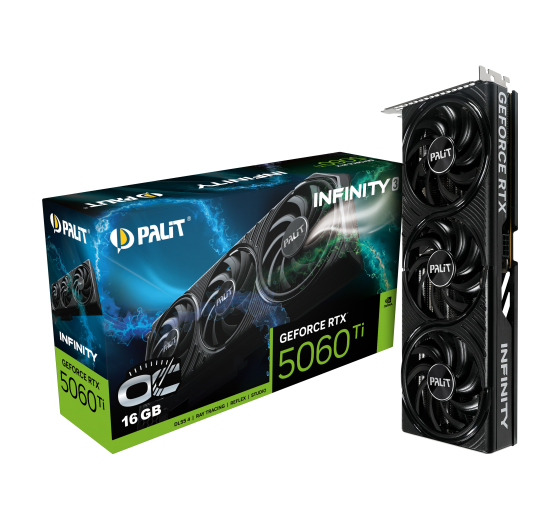 Palit GeForce RTX 5060 Ti Infinity 3 OC 16GB
Palit · 16 GB
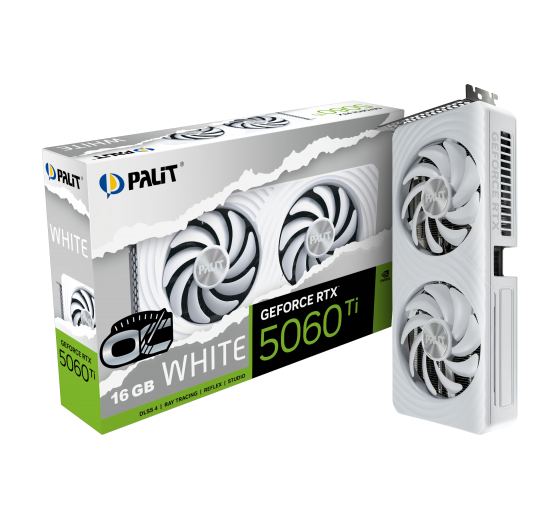 Palit GeForce RTX 5060 Ti White OC 16GB
Palit · 16 GB
Published results: 16
Each row uses one game, resolution, test suite and graphics mode.
| Test and settings | ASUS Dual GeForce RTX 5060 Ti 16GB OC Edition |
|---|---|
| ComputerBase GPU suite 2026 / Alan Wake 2 / 2560x1440 / Maximale Grafikdetails / DLSS/FSR Quality / RT off | 52.2 FPS Base GPU test: NVIDIA GeForce RTX 5060 Ti (16GB) Rendering: DLSS 4.0 QualityDriver: 596.21 |
| ComputerBase GPU suite 2026 / Alan Wake 2 / 2560x1440 / Maximale Grafikdetails / DLSS/FSR Quality / RT on | 47.1 FPS Base GPU test: NVIDIA GeForce RTX 5060 Ti (16GB) Rendering: DLSS 4.0 QualityDriver: 596.21 |
| ComputerBase GPU suite 2026 / Alan Wake 2 / 3440x1440 / Maximale Grafikdetails / DLSS/FSR Quality / RT off | 38.8 FPS Base GPU test: NVIDIA GeForce RTX 5060 Ti (16GB) Rendering: DLSS 4.0 QualityDriver: 596.21 |
| ComputerBase GPU suite 2026 / Alan Wake 2 / 3440x1440 / Maximale Grafikdetails / DLSS/FSR Quality / RT on | 32 FPS Base GPU test: NVIDIA GeForce RTX 5060 Ti (16GB) Rendering: DLSS 4.0 QualityDriver: 596.21 |
| ComputerBase GPU suite 2026 / Anno 117 / 2560x1440 / Ultra-Hoch-Preset / DLSS/FSR Quality / RT off | 61.1 FPS Base GPU test: NVIDIA GeForce RTX 5060 Ti (16GB) Rendering: DLSS 4.0 QualityDriver: 596.21 |
| ComputerBase GPU suite 2026 / Anno 117 / 2560x1440 / Ultra-Hoch-Preset / DLSS/FSR Quality / RT on | 46.6 FPS Base GPU test: NVIDIA GeForce RTX 5060 Ti (16GB) Rendering: DLSS 4.0 QualityDriver: 596.21 |
| ComputerBase GPU suite 2026 / Anno 117 / 3440x1440 / Ultra-Hoch-Preset / DLSS/FSR Quality / RT off | 53.2 FPS Base GPU test: NVIDIA GeForce RTX 5060 Ti (16GB) Rendering: DLSS 4.0 QualityDriver: 596.21 |
| ComputerBase GPU suite 2026 / Anno 117 / 3440x1440 / Ultra-Hoch-Preset / DLSS/FSR Quality / RT on | 40.3 FPS Base GPU test: NVIDIA GeForce RTX 5060 Ti (16GB) Rendering: DLSS 4.0 QualityDriver: 596.21 |
| ComputerBase GPU suite 2026 / ARC Raiders / 2560x1440 / Episch-Preset / DLSS/FSR Native / RT off | 75.7 FPS Base GPU test: NVIDIA GeForce RTX 5060 Ti (16GB) Rendering: DLSS 4.0 NativeDriver: 596.21 |
| ComputerBase GPU suite 2026 / ARC Raiders / 2560x1440 / Episch-Preset / DLSS/FSR Native / RT on | 66.3 FPS Base GPU test: NVIDIA GeForce RTX 5060 Ti (16GB) Rendering: DLSS 4.0 NativeDriver: 596.21 |
| ComputerBase GPU suite 2026 / ARC Raiders / 3440x1440 / Episch-Preset / DLSS/FSR Native / RT off | 62 FPS Base GPU test: NVIDIA GeForce RTX 5060 Ti (16GB) Rendering: DLSS 4.0 NativeDriver: 596.21 |
| ComputerBase GPU suite 2026 / ARC Raiders / 3440x1440 / Episch-Preset / DLSS/FSR Native / RT on | 54.9 FPS Base GPU test: NVIDIA GeForce RTX 5060 Ti (16GB) Rendering: DLSS 4.0 NativeDriver: 596.21 |
| Test and settings | ASUS Dual GeForce RTX 5060 Ti 16GB OC Edition |
|---|---|
| ComputerBase GPU suite 2026 / Assassin's Creed Shadows / 2560x1440 / Extrem-Hoch-Preset / DLSS/FSR Quality / RT off | 43.9 FPS Base GPU test: NVIDIA GeForce RTX 5060 Ti (16GB) Rendering: DLSS 4.0 QualityDriver: 596.21 |
| ComputerBase GPU suite 2026 / Assassin's Creed Shadows / 2560x1440 / Extrem-Hoch-Preset / DLSS/FSR Quality / RT on | 35.4 FPS Base GPU test: NVIDIA GeForce RTX 5060 Ti (16GB) Rendering: DLSS 4.0 QualityDriver: 596.21 |
| ComputerBase GPU suite 2026 / Assassin's Creed Shadows / 3440x1440 / Extrem-Hoch-Preset / DLSS/FSR Quality / RT off | 40.4 FPS Base GPU test: NVIDIA GeForce RTX 5060 Ti (16GB) Rendering: DLSS 4.0 QualityDriver: 596.21 |
| ComputerBase GPU suite 2026 / Assassin's Creed Shadows / 3440x1440 / Extrem-Hoch-Preset / DLSS/FSR Quality / RT on | 32.1 FPS Base GPU test: NVIDIA GeForce RTX 5060 Ti (16GB) Rendering: DLSS 4.0 QualityDriver: 596.21 |
A base GPU test is a reference for cards using that GPU and the same memory capacity. Board overclocking, cooling and power limits can change the result.
Comparable benchmark results are required to suggest performance alternatives.
*
Base Clock is the base GPU frequency stated by the manufacturer for this model.
Boost Clock describes automatic frequency increases. Actual clock speed varies with workload, temperature and power limits; it is not a guarantee of manual overclocking.


 English
 Russian
 German
 Portuguese
 Italian
 French
 Japan
Japan Spanish
 Polish
 Korean
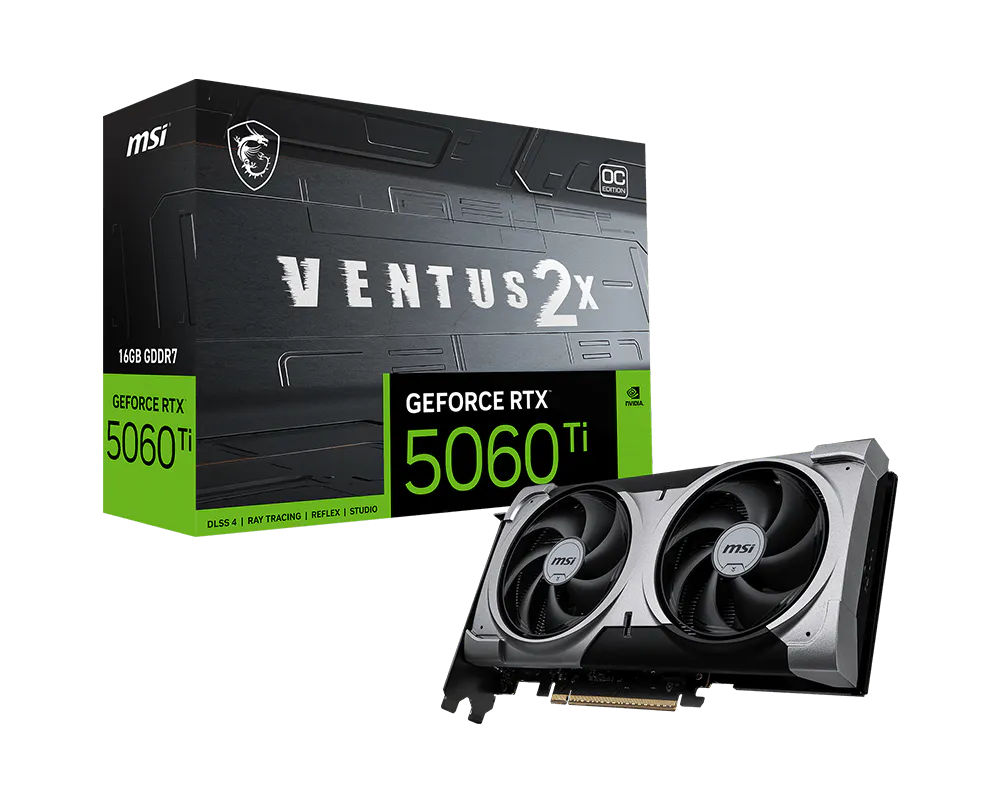 MSI GeForce RTX 5060 Ti 16G VENTUS 2X OC PLUS