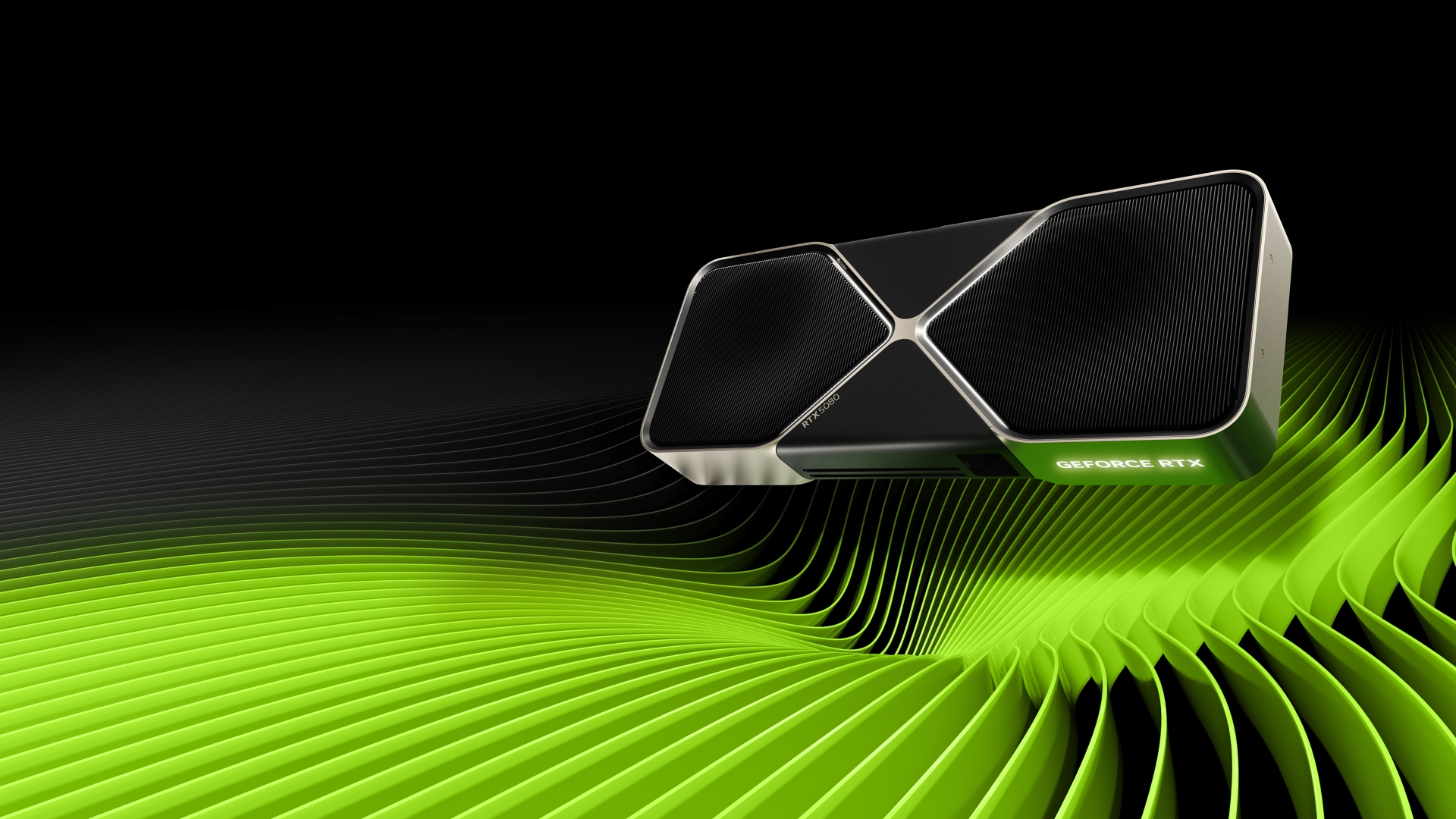
Posiciones comunes NVIDIA GeForce RTX 5080 GPU en benchmarks populares, para comparar con otros modelos.
No dataBoard specifications and benchmark results are specific to each version.
 ASUS Prime GeForce RTX 5080 16GB GDDR7
ASUS · 16 GB
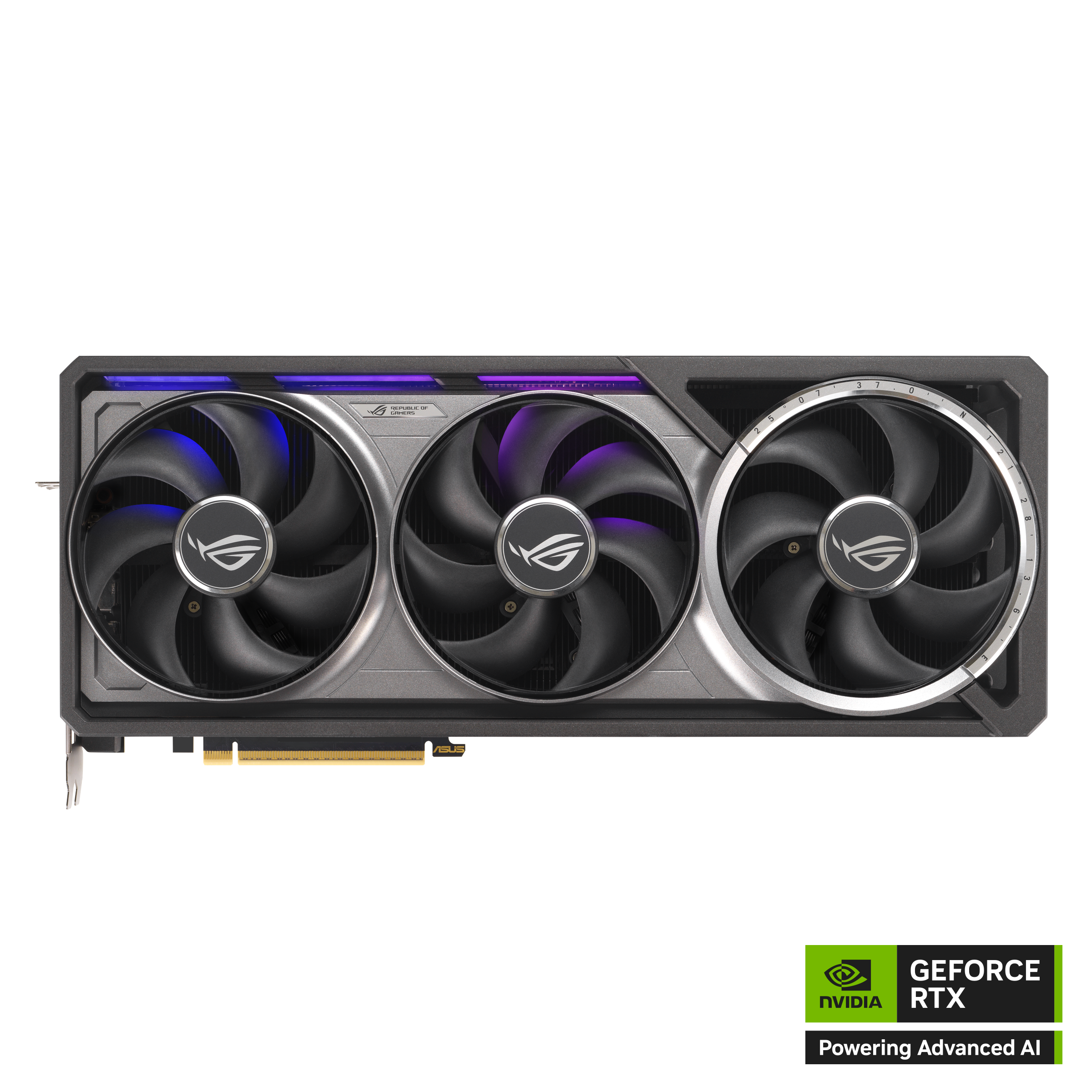 ASUS ROG Astral GeForce RTX 5080 16GB GDDR7
ASUS · 16 GB
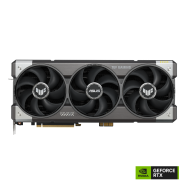
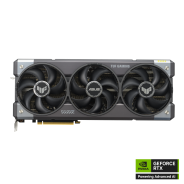 ASUS TUF Gaming GeForce RTX 5080 16GB OC Edition
ASUS · 16 GB
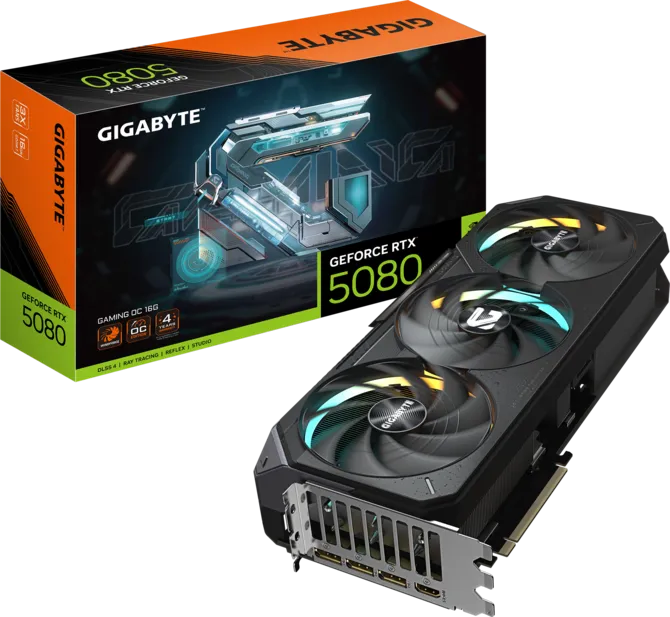 GIGABYTE GeForce RTX 5080 GAMING OC 16G
Gigabyte · 16 GB
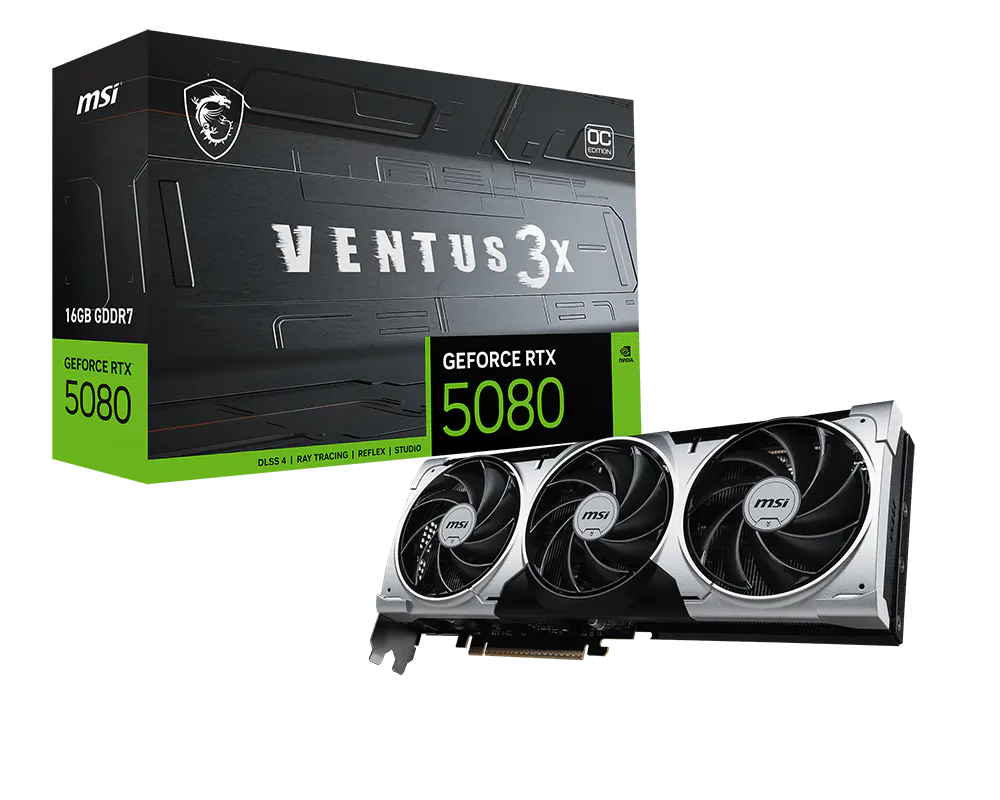 MSI GeForce RTX 5080 16G VENTUS 3X OC PLUS
MSI · 16 GB
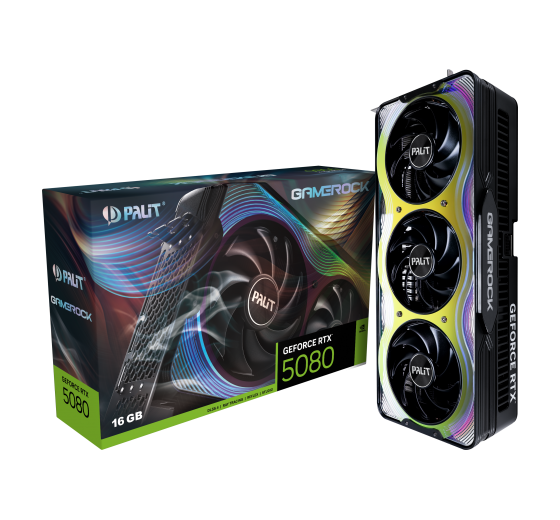 Palit GeForce RTX 5080 GameRock 16GB
Palit · 16 GB
Published results: 41
Each row uses one Blender version, operating system and compute backend.
| Test and settings | NVIDIA GeForce RTX 5080 |
|---|---|
| Blender 4.2.0 / OPTIX / Windows | 8864.895643 samples/min Submissions: 22 |
| Blender 4.3.0 / OPTIX / Linux | 9352.995968 samples/min Submissions: 5 |
| Blender 4.3.0 / OPTIX / Windows | 9022.608874 samples/min Submissions: 277 |
| Blender 4.4.0 / OPTIX / Linux | 9497.87928 samples/min Submissions: 30 |
| Blender 4.4.0 / OPTIX / Windows | 9158.232292 samples/min Submissions: 1121 |
| Blender 4.5.0 / OPTIX / Linux | 9484.177891 samples/min Submissions: 113 |
| Blender 4.5.0 / OPTIX / Windows | 9103.297355 samples/min Submissions: 1318 |
| Blender 5.0.0 / OPTIX / Linux | 9786.491781 samples/min Submissions: 6 |
| Blender 5.0.0 / OPTIX / Windows | 8704.05953 samples/min Submissions: 55 |
| Blender 5.1.0 / OPTIX / Linux | 9879.284115 samples/min Submissions: 15 |
| Blender 5.1.0 / OPTIX / Windows | 9344.011166 samples/min Submissions: 99 |
| Blender 5.1.1 / OPTIX / Linux | 9752.444253 samples/min Submissions: 44 |
| Test and settings | NVIDIA GeForce RTX 5080 |
|---|---|
| Blender 5.1.1 / OPTIX / Windows | 9243.346191 samples/min Submissions: 338 |
| Blender 5.2.0 / OPTIX / Linux | 9648.802393 samples/min Submissions: 26 |
| Blender 5.2.0 / OPTIX / Windows | 9122.556759 samples/min Submissions: 303 |
Each row uses one game, resolution, test suite and graphics mode.
Each row is a separate graphics subtest. Scores are not game FPS.
| Test and settings | NVIDIA GeForce RTX 5080 |
|---|---|
| 3DMark – Time Spy — Graphics Score / DirectX 12 | 31987 points Base GPU test: Nvidia GeForce RTX 5080 VRAM: 16 GBTest CPU: AMD Ryzen 9 7950X3DOS: Windows 11Graphics API: DirectX 12HVCI: enabledApplication version unreported |
| 3DMark – Steel Nomad — Steel Nomad Score / DirectX 12 | 8094 points Base GPU test: Nvidia GeForce RTX 5080 VRAM: 16 GBOS: Windows 11Graphics API: DirectX 12HVCI: enabledApplication version unreported |
A base GPU test is a reference for cards using that GPU and the same memory capacity. Board overclocking, cooling and power limits can change the result.
Published measurements are separate from the archived index. Incomplete conditions and unknown run counts do not support ranking positions or calculated performance differences.
| Test | Result | Reported conditions |
|---|---|---|
| The Witcher 3: Wild Hunt - Remastered / 1440p / Ultra / Native | 122 FPS | Test CPU: AMD Ryzen 7 9800X3D System RAM: 32 GB DDR5-6000 Specific partner board and exact game build unreported. |
| The Witcher 3: Wild Hunt - Remastered / 4K / Ultra / Native | 66 FPS | Test CPU: AMD Ryzen 7 9800X3D System RAM: 32 GB DDR5-6000 Specific partner board and exact game build unreported. |
Comparable benchmark results are required to suggest performance alternatives.
*
Base Clock is the base GPU frequency stated by the manufacturer for this model.
Boost Clock describes automatic frequency increases. Actual clock speed varies with workload, temperature and power limits; it is not a guarantee of manual overclocking.


 English
 Russian
 German
 Portuguese
 Italian
 French
 Japan
Japan Polish
 Chinese
 Korean
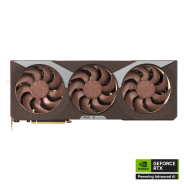 ASUS GeForce RTX 5080 16GB GDDR7 Noctua OC Edition
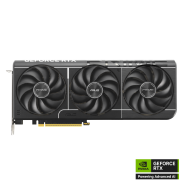 ASUS Prime GeForce RTX 5080 EVO 16GB GDDR7 OC Edition
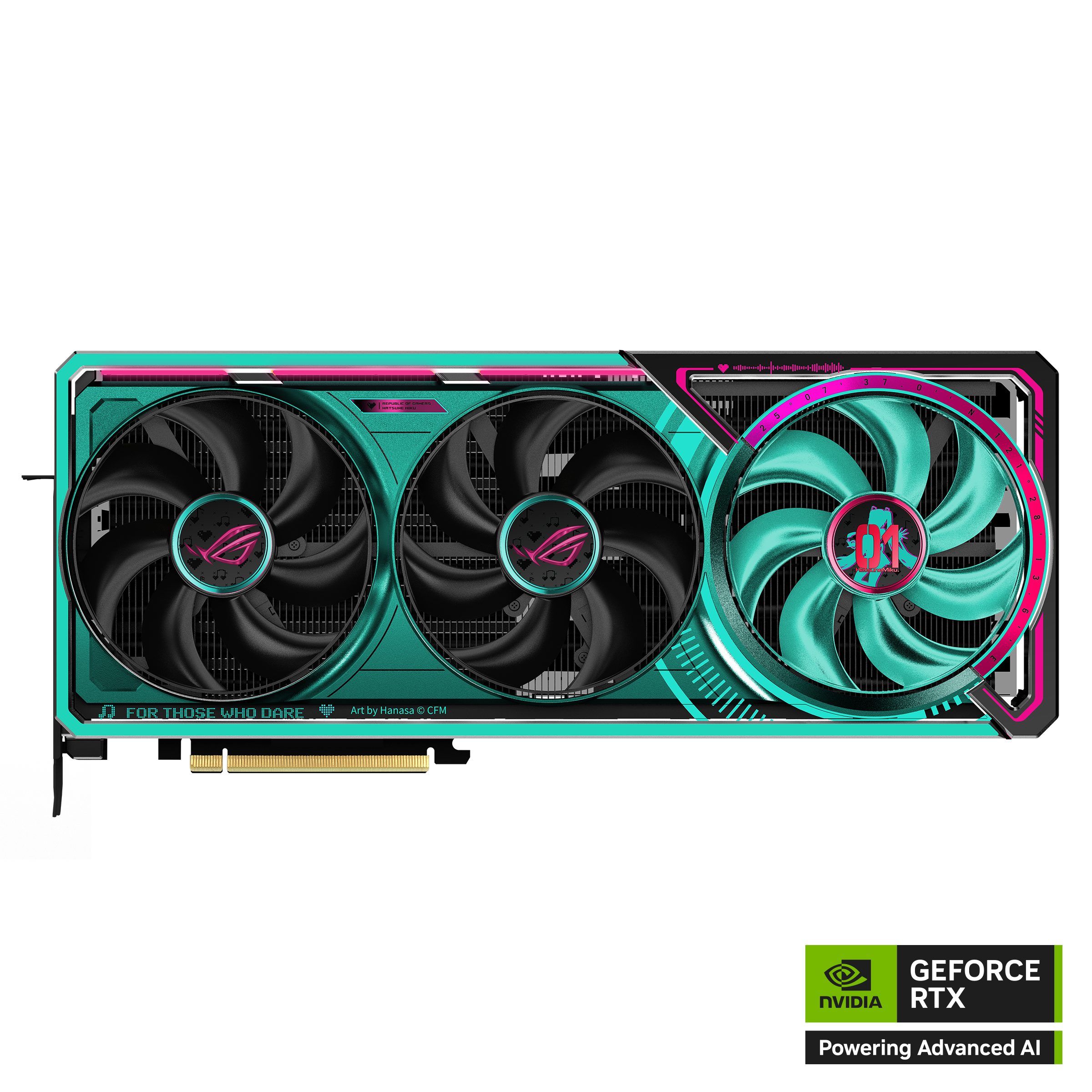 ASUS ROG Astral GeForce RTX 5080 16GB GDDR7 OC HATSUNE MIKU EDITION
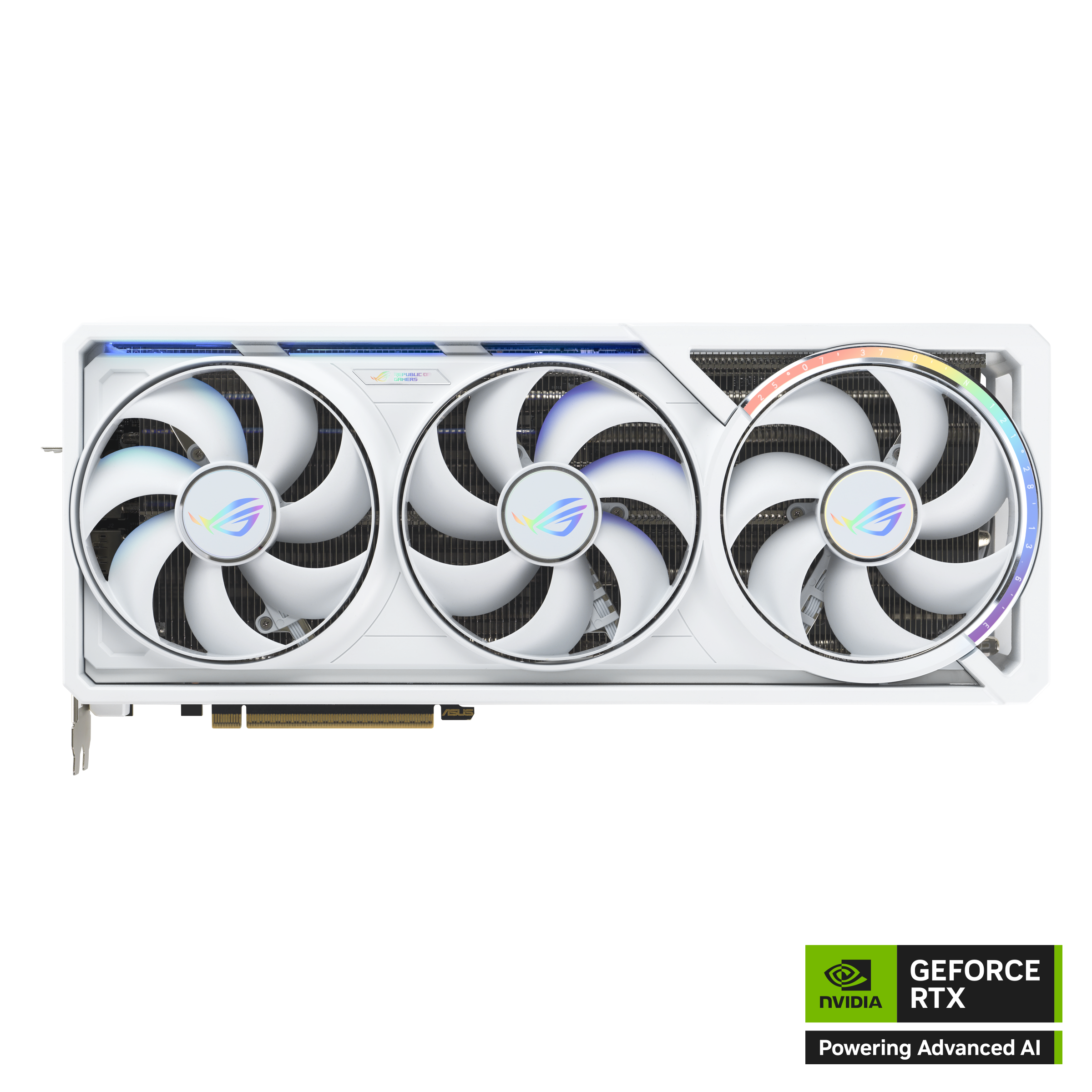 ASUS ROG Astral GeForce RTX 5080 16GB GDDR7 WHITE Edition
 ASUS TUF Gaming GeForce RTX 5080 16GB GDDR7 BTF OC Edition